
This document is the user manual for POSTEK Q8 label printer, which introduces the specifications, instructions, and safety precautions of the product. It reminds users that it may cause radio interference in the living environment and requires practical measures to address it. It also emphasizes the safety issues that may arise from unauthorized disassembly and improper use. Detailed steps for installation, connection, adjustment, and operation control are provided.
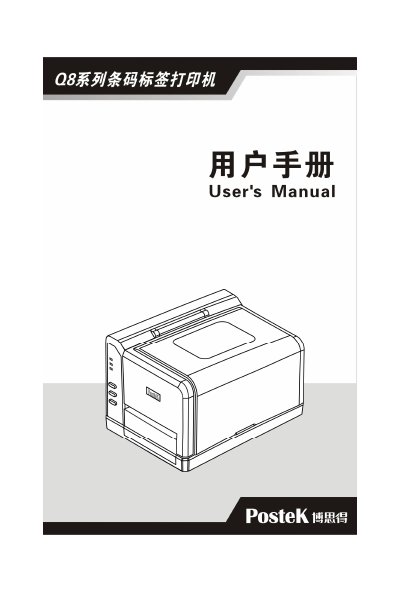
The document is a user manual for the POSTEK Q8 series of label printers, specifically models Q8/200 and Q8/300. It provides instructions on unboxing, connecting power and host computers (via RS-232 or USB), and installing media such as labels and ribbons. This manual is written in Chinese.
| Print Method | Thermal Transfer / Direct Thermal |
|---|---|
| Resolution | 203 dpi or 300 dpi |
| Max Print Speed | 101.6 mm/s or 76.2 mm/s |
| Max Print Width | 108 mm or 106 mm |
| Memory | 2 MB FLASH ROM, 8 MB SDRAM |
| Input Power | 24 VDC, 2.5 A |
Only use anhydrous ethanol to wipe the surface of the print head.
The maximum printable width is 108 mm for the Q8/200 model and 106 mm for the Q8/300.