
User Guide for ECOSYS M2030dn/ECOSYS M2530dn/ECOSYS M2035dn/ECOSYS M2535dn.
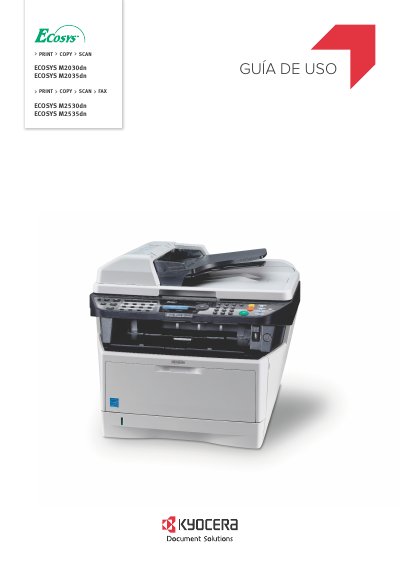
This guide covers the Kyocera ECOSYS M2030dn, M2530dn, M2035dn and M2535dn multifunction printers, including component names, preparation before use, basic operation, copy and send functions, document box use, job status, system settings, maintenance, troubleshooting and administration.
It also describes included guides and software, paper handling, network and USB connections, energy saving, security settings, optional equipment and appendix information such as paper specifications and glossary. This manual is written in Spanish.
| Print speed | 30 ppm for M2030dn/M2530dn; 35 ppm for M2035dn/M2535dn |
|---|
Fax functions are available only on products with the fax function installed; the cover marks M2530dn and M2535dn with PRINT, COPY, SCAN and FAX.
Press the Start key to make copies; copy settings such as paper size and density can also be adjusted.
The guide refers to M2030dn/M2530dn as the 30 ppm model and M2035dn/M2535dn as the 35 ppm model.
It recommends using the manufacturer's own supplies and states that damage from third-party supplies is not covered.