
Kyocera ECOSYS M3040idn/ECOSYS M3540idn/ECOSYS M3550idn/ECOSYS M3560idn User Guide

Instruction manual for Kyocera ECOSYS M3040idn/ECOSYS M3540idn/ECOSYS M3550idn/ECOSYS M3560idn printers.
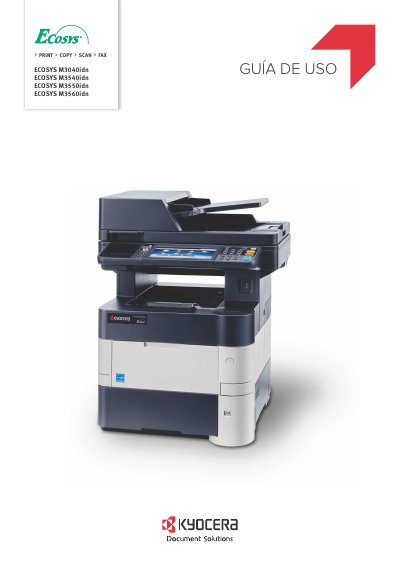

Kyocera ECOSYS M3040idn/ECOSYS M3540idn/ECOSYS M3550idn/ECOSYS M3560idn User Guide - cover page
Brand
Kyocera
Category
Printer
Document type
User Manual
Language
Spanish
Pages
432
File format
PDF
File size
14.9 MB
Published
16 November, 2023
Updated
16 November, 2023
MD5 checksum
587D9F6E2CBFFECFEF6307D20C09A7B8

About this manual

This guide is for Kyocera ECOSYS M3040idn, ECOSYS M3540idn, ECOSYS M3550idn and ECOSYS M3560idn printers. It covers installation, configuration, daily operation, job management, system settings, user authentication and accounting.

It also includes maintenance, troubleshooting, optional equipment, paper information and an appendix with specifications and a glossary. This manual is written in Spanish.

What's inside

  • Installation and setup
  • Preparation before use
  • Printing from a PC
  • Machine operation
  • Various functions
  • Job status and cancellation
  • System menu settings
  • User authentication and accounting
  • Troubleshooting
  • Appendix

Frequently asked questions

Which printer models does this guide cover?

ECOSYS M3040idn, ECOSYS M3540idn, ECOSYS M3550idn and ECOSYS M3560idn.

What functions does the machine provide?

Print, copy, scan and fax.

What toner does the guide recommend?

Original toner cartridges.

Does the guide include troubleshooting?

Yes, it includes a troubleshooting section.

Download PDF (14.9 MB)

More Kyocera Manuals


View all Kyocera manuals →