
The Sony WF-XB700 Wireless Stereo Headset User Guide.
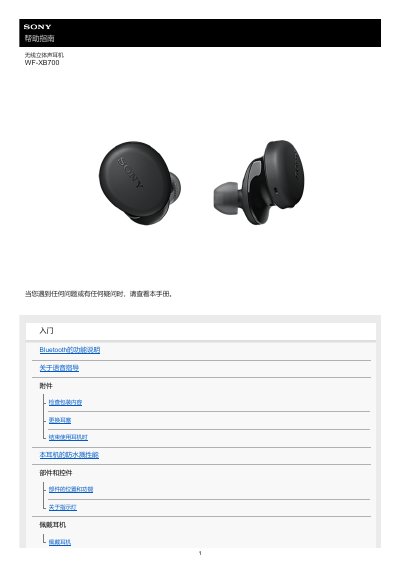
This user guide covers the Sony WF-XB700 wireless stereo headset. It describes the headset parts and controls, indicator lights, how to wear the headphones, and how to replace the included hybrid silicone earbuds in sizes SS, S, M, and L.
It also explains how to pair and connect the headset with Android phones, iPhones, computers, and other Bluetooth devices, how to listen to music and use the voice assistant, and how to reset or initialize the headset to factory settings. This manual is written in Chinese.
| Wireless technology | Bluetooth |
|---|
Press and hold the button on the left unit for about 20 seconds, then press and hold the button on the right unit for about 20 seconds; release each finger when the red indicator flashes and turns off.
Press and hold the buttons on both left and right units for about 15 seconds. After the red indicator flashes, release within 5 seconds, then press the buttons on both units within 10 seconds after the red indicator lights up; the blue indicator flashes 4 times when initialization is complete.
The package includes the wireless stereo headset, a USB Type-C cable (USB-A to USB-C, approx. 20 cm), and hybrid silicone earbuds in sizes SS, S, M, and L (two of each size).