
This is an air purifier with the following features: - Washable filter for easy cleaning - Timing function for easy use - Filter replacement reminder for easy filter replacement - Air quality indicator for easy understanding of current air quality
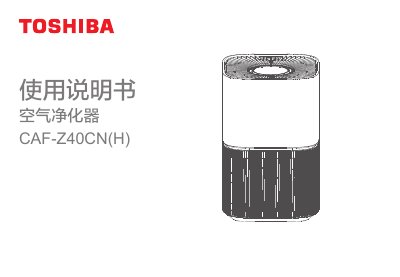
This user manual is for the Toshiba CAF-Z40CN(H) air purifier. It describes the product parts and accessories, installation steps, control panel functions, operating modes, cleaning and maintenance, filter cleaning and replacement, troubleshooting, specifications, safety warnings, environmental information, and warranty terms.
It also explains first power-on behavior, automatic mode, UV lamp operation, air quality indicator colors, and recovery of the previous working state after an unexpected power outage. This manual is written in Chinese.
| Rated voltage | 220V~ |
|---|---|
| Rated frequency | 50Hz |
| Rated power | 22W |
| CADR (particulate matter) | 200 m³/h |
| CCM (particulate matter) | P2 |
| Particulate purification energy efficiency grade | High-efficiency grade |
| Noise | 35~61 dB(A) |
| Applicable area | 14~24 m² |
| Model | CAF-Z40CN(H) |
| Energy efficiency level | Level 1 |
| Energy efficiency value | 311.00 m³/(W·h) |
| CADR (formaldehyde) | 60 m³/h |
| CCM (formaldehyde) | F2 |
| Formaldehyde purification energy efficiency grade | High-efficiency grade |
After cleaning or replacing the filter, press and hold the light key for 3 seconds; the filter resets and the replacement indicator stops flashing.
The display flashes for 1 second and then turns off, the unit enters standby, and the purifier enters automatic mode.
Yes. After an unexpected power outage and repowering, it automatically restores the working state before the outage.
The manual suggests cleaning the filter every two weeks and replacing it every six months, adjusted for the usage environment; the filter must not be washed with water.