
The Cisco TelePresence SX10 and SX20 User Guide provides information on how to use the Cisco TelePresence SX10 and SX20.
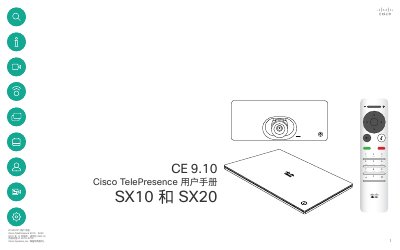
This user manual describes operating Cisco TelePresence SX10 and SX20 video systems. It covers the touchscreen and remote control, making and receiving video calls, contacts, content sharing, scheduled meetings, camera control, and settings.
It also explains features such as Intelligent Proximity, Do Not Disturb, standby, call forwarding, and the system information page. This manual is written in Chinese.
By default, Do Not Disturb times out after 60 minutes.
Call rate is measured in kbps (kilobits per second).
No, the call rate cannot be changed during a call; it can be changed before placing a call.
It provides IP address, MAC address, SIP proxy, installed software version, and device name.