
The 42280 is a wall-mount, tripod mount, or desktop indoor air quality monitor with an internal memory capable of storing 16,000 readings (8000 temperature readings and 8000 relative humidity readings) that can later be transferred to PC using the USB interface. Real-time meter-to-PC logging is also supported. This meter is shipped fully tested and calibrated and, with proper use, will provide years of reliable service.
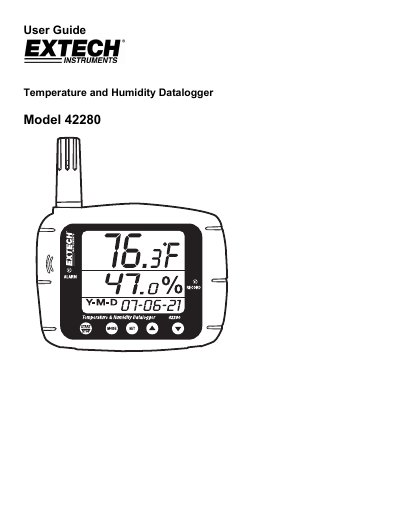
The Extech 42280 is a wall-mount, tripod-mount, or desktop indoor air quality monitor with an internal memory for 16,000 readings (8,000 temperature and 8,000 relative humidity) and a USB PC interface. The LCD shows temperature, humidity, and a date/time clock; the meter is powered by four AA batteries or a 117V AC adaptor.
This user guide covers supplied materials, features, meter and LCD descriptions, operation, manual programming modes P1 through P6, and datalogging start methods. It notes that detailed software instructions are provided in a separate manual on the supplied CD-ROM and in the software HELP utility.
| Memory capacity | 16,000 readings (8000 temperature, 8000 RH%) |
|---|---|
| Power | Four AA 1.5V batteries or 117V AC adaptor |
| PC interface | USB |
| Sample rate | 1 second to 12 hours |
| Alarm | Visual and audible; audible alarm requires 117V AC adaptor |
| Mounting | Wall mount, tripod mount, or desktop use |
| Start modes | Immediate, Keypad, Scheduled, and Repeat |
It can store up to 16,000 readings: 8,000 temperature readings and 8,000 relative humidity readings.
Press the MODE button to switch between degrees C and degrees F.
Set programming mode P2 to hEy, then press and hold the START-STOP button for 2 seconds.
It is powered by four AA 1.5V batteries or the 117V AC adaptor.