
WS-Series 2 L2+ Gigabit/10 Gigabit Wireless AP Managed Switch User Manual
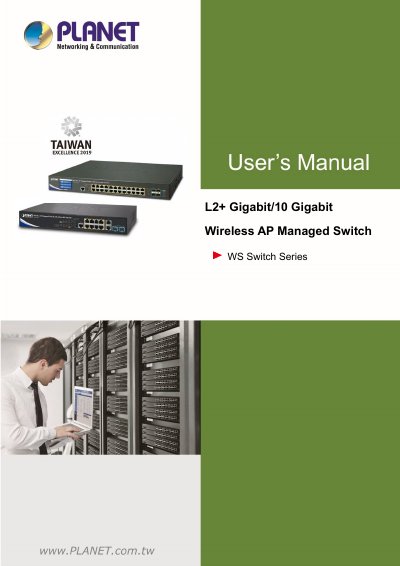
This is the user's manual for PLANET Technology's WS-Series of L2+ Gigabit/10 Gigabit wireless AP managed switches, covering the WS-1232P and WS-2864PVR models. It is Revision 1.0, dated October 2020, published under part number EM-WS-series_v1.0.
The manual begins with an introduction covering packet contents, product description, product features and specifications, followed by installation instructions including hardware description, front/rear panels, LED indications, desktop installation, rack mounting and installation of SFP/SFP+ transceivers. Subsequent chapters describe switch management through the administration console, web management, SNMP-based network management and the PLANET Smart Discovery Utility, and then detail web configuration for system, IP, SNMP and port management settings.
This PLANET WS-Series manual covers the WS-1232P and WS-2864PVR models.
No, this device does not support standby mode operation. For energy saving, PLANET suggests removing the power cable to disconnect the device from the power circuit when it is not intended to be active.
No. As electrical and electronic equipment (WEEE), it must be collected separately and not disposed of as unsorted municipal waste.
The manual describes management via an administration console, web management, SNMP-based network management and the PLANET Smart Discovery Utility.