
This manual introduces the characteristics of the PLANET GS-4210 series products.
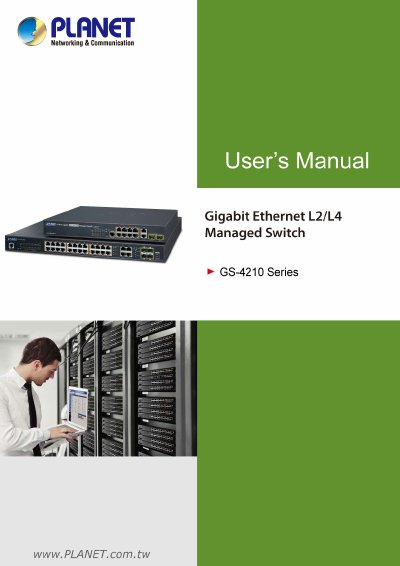
The document is the official User's Manual for the PLANET GS-4210 Series of Gigabit Ethernet L2/L4 Managed Switches. It provides comprehensive guidance on hardware installation, including desktop and rack mounting options, as well as the use of SFP transceivers.
A significant portion of the manual is dedicated to switch management and configuration. It details how to access the device via an Administration Console, Web Management interface, or SNMP-based network management tools like PLANET Smart Discovery Utility. The text covers specific web page configurations for system information, IP settings, user accounts, time synchronization (SNTP), log management, port management, link aggregation (LAG), and SFP module status.
This manual covers the GS-4210-8P2S, GS-4210-8P2T2S, GS-4210-24P4C, GS-4210-24PL4C, GS-4210-48T4S, and GS-4210-48P4S models.
The GS-4210 Series is a Gigabit Ethernet L2/L4 Managed Switch.
The device does not support Standby mode; to save energy, users must remove the power cable to disconnect it from the power circuit.