
The NW-A55/A55HN/A56/A56HN/A57 is a music player produced by Sony, and it has the following features:
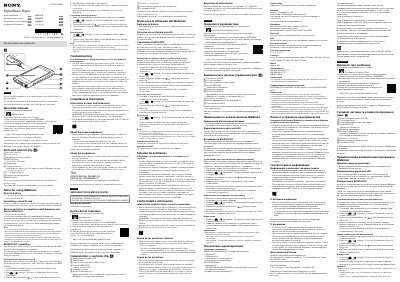
This is the printed instruction manual supplied with the Sony Walkman NW-A55/A55HN/A56/A56HN/A57 digital music player (document number 4-740-519-23, 2018 Sony Corporation, printed in Malaysia). The manual is multilingual, with separate English and Spanish sections, and points to the Startup Guide and the online Help Guide for more detailed operating instructions and specifications.
It identifies the parts and controls — microSD card slot, touch screen, stereo mini headphone jack, WM-PORT jack, charge lamp, power/volume/playback buttons, and HOLD switch — and covers battery charging notes, microSD card formatting, volume limits for European and Korean models, Bluetooth pairing and connection with audio devices, troubleshooting for charging and computer recognition, and compliance information.
| Rated current consumption | 900 mA |
|---|---|
| Bluetooth communication system | Bluetooth Version 4.2 |
| NFC | Active Type (for reading and writing), Tag Type |
| Headphone jack | Stereo Mini |
Hold down the power button for 4 seconds to turn the Walkman on, and 2 seconds to turn it off.
To prevent deterioration of the battery, charge it at least once every 6 months.
The alarm and warning are intended to protect your ears and occur when you initially turn the volume up to a harmful level; you can cancel them by tapping [OK] on the alert dialog.
Set the Bluetooth audio device to pairing mode, then under [Bluetooth] in Settings turn the Bluetooth function on, tap [Add Device (Pairing)], and select the device from the paired device list.