
Instruction manual for Sony digital camera NEX-6/NEX-5R
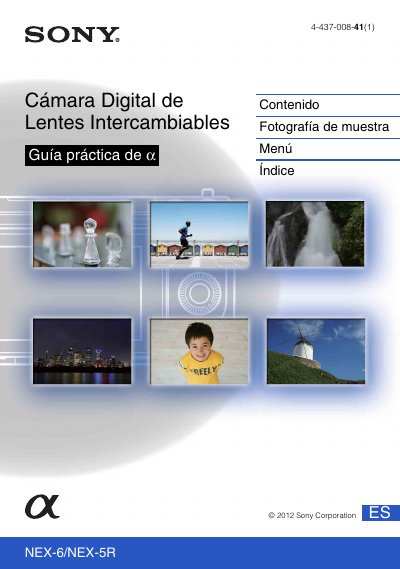
This practical guide covers the Sony NEX-6 and NEX-5R interchangeable lens digital cameras. It explains how to use the guide (jumping to pages from the cover or any page, searching by function, by sample photo or by keyword), identifies the parts of the camera and the icons shown on the screen, and then walks through basic operation: shooting, playing back and deleting images.
Later sections cover picture creativity settings (background defocus, brightness, color, vividness, photo effect), the functions available through the mode dial (NEX-6 only), the control wheel, the Fn button and the AEL button (NEX-6 only), and the menus. Further chapters deal with viewing images on a television, using the camera with a computer and the supplied software, printing still images, adding functions to the camera by downloading applications, troubleshooting and warning messages, and other topics such as using the camera abroad, the memory card, the "InfoLITHIUM" battery, charging the battery, the lens mount adapter, the electronic viewfinder (NEX-5R only), the AVCHD format and cleaning. A model comparison table lists which features apply to each camera. This manual is written in Spanish.
| Models covered | NEX-6 and NEX-5R |
|---|---|
| NEX-6 mode dial | Compatible |
| NEX-6 touch panel | Incompatible |
| NEX-5R mode dial | Incompatible |
| NEX-5R touch panel | Compatible |
| NEX-5R electronic viewfinder | External (sold separately) |
The guide covers both the NEX-6 and the NEX-5R; illustrations and screen displays show the NEX-6 unless stated otherwise.
Click a button at the top right of the cover or of each page to jump to the corresponding page, or search by function, by sample photo or by keyword.
Yes, the menu section includes adding functions to the camera by downloading applications and starting a downloaded application.
The NEX-5R has a touch panel, while the NEX-6 does not.