
The Brother DCP-7060D User's Guide provides information on the printer's general information, loading paper, loading originals, copying, how to print from a computer, how to scan to a computer, routine maintenance, troubleshooting, menus and functions, and specifications.
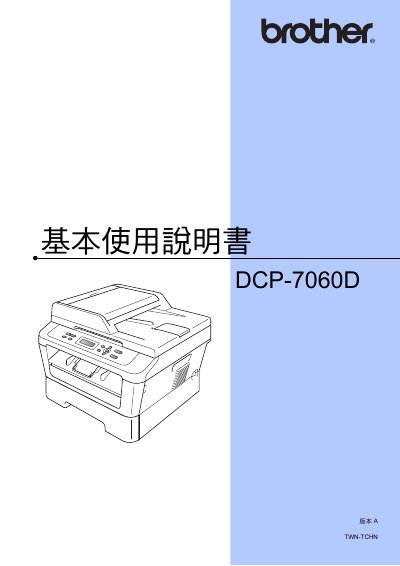
This is the basic user guide for the Brother DCP-7060D. It explains how to set up the device, load paper and original documents, and perform basic copying, printing, and scanning operations.
The guide also covers routine maintenance procedures such as replacing toner cartridges and drum units, as well as troubleshooting common problems and improving print quality. This manual is written in Chinese.
The serial number is located on the back of the machine.
It can be used to scan documents into PDF files.
It is only allowed to be used in the country where it was purchased.