
The online manual for the Skyworth GN542VF router provides information on how to change the WiFi name and password, change the WiFi channel, and set up port forwarding.
This manual explains how to open the Skyworth GN542VF router's online settings in a browser and log in to the web interface. It covers WLAN 2.4 GHz and 5 GHz configuration, including SSID, security, channel, bandwidth, and related options.
The documented steps include selecting settings for each band and confirming the changes. Screenshots show the router's status, network, security, application, and management menus.
| Default web interface address | http://192.168.1.1 |
|---|---|
| Default password | B6A36425 |
| Maximum associated clients | 32 |
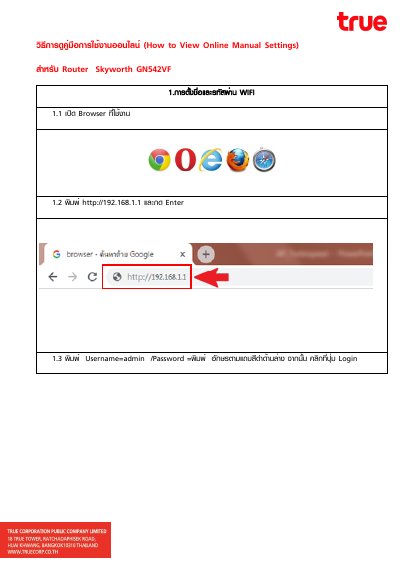
Open a browser and enter http://192.168.1.1 to access the router settings.
They are under Network > WLAN 2.4G.
They are under Network > WLAN 5G.
The associate number range is 1 to 32.