
This manual provides setup instructions for the Skyworth DIR-615-1 router, wireless card configuration for TVs, and troubleshooting guides.
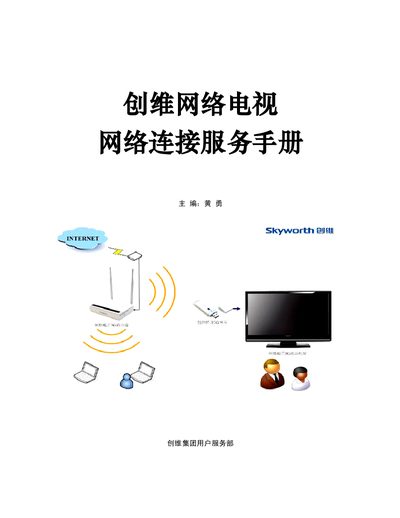
This service manual details the configuration methods for the Skyworth DIR-615-1 router and the DWA-130-1 wireless network card. It covers hardware connection steps for Windows XP/Vista/Win7 operating systems, including connecting power, WAN ports, and LAN ports to computers. This manual is written in Chinese.
While the router is powered on, press and hold the reset button next to the power jack with a pointed object for 5~8 seconds.
The built-in management interface address for the router is http://192.168.0.1.
The manual mentions WEP, WPA, and WPA2 encryption methods as well as unencrypted configurations.