
Instructions for setting up a LAN network on the Skyworth GN 542 VF router, including login, network selection, and IP configuration.
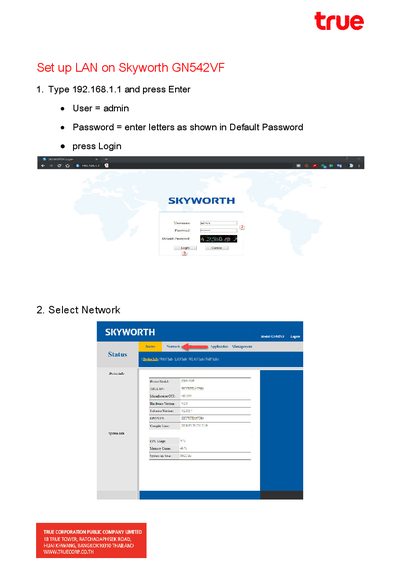
This guide explains how to access the Skyworth GN 542 VF router settings by entering the IP address 192.168.1.1 in a web browser. Users must log in using the default credentials: User 'admin' and the password displayed on the device.
The default password is the letters shown in the Default Password field.
You must select the DHCP Server option and set it to enable.