
Repair reference for the Skyworth 32E200E LCD TV, covering specifications, operation, troubleshooting, and parts.
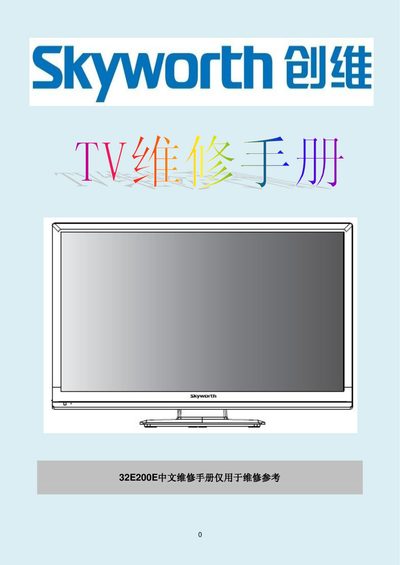
This service manual provides detailed information for repairing the Skyworth 32E200E LCD television. It includes an introduction, safety precautions, basic specifications, operation instructions, panel characteristics, fault handling procedures, factory mode adjustments, circuit diagrams, and a bill of materials.
Technicians can use the included diagrams, part numbers, and step‑by‑step procedures to diagnose issues, replace components such as the LED backlight, and perform factory‑mode calibrations safely. This manual is written in Chinese.
| Active Area | 697.685 mm × 392.256 mm |
|---|---|
| Pixel Resolution | 1366 × 768 pixels |
| Power Supply Input Voltage (VDD) | 10.8 V – 13.2 V DC |
| Power Consumption (PDD) | 4.0 W – 7.1 W |
| Operating Temperature Range | 5 °C – 45 °C |
The remote uses two AA (七号) batteries, installed with correct polarity marked (+) and (‑) on the remote housing.
The TV uses a soft‑start method and typically requires 15–30 seconds before the image is displayed.