
This guide describes the installation and use of the QL-700 label printer.
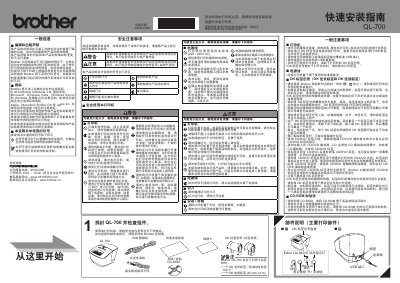
This is the Brother QL-700 quick setup guide (快速安装指南). It opens with the copyright and trademark notice for Brother Industries, Ltd., then presents the safety instructions: the meaning of the warning and caution symbols, how to use the printer safely, and specific precautions for the power cord, the cutter, and installation and storage of the printer. A general notes section covers the printer, the power supply, DK label rolls, and CD/DVD labels, plus handling of the CD-ROM and software.
The last page explains how to unpack the QL-700 and check the contents, which include a USB cable, this quick setup guide, a warranty sheet and a DK label roll, and it identifies the main printing parts of the machine. The guide also lists the Brother China service hotline and website addresses for supplies and support. This manual is written in Chinese.
| Included DK label roll | 62 mm x 8 m |
|---|
It indicates a potentially hazardous situation which, if the product is used without following the warnings and instructions, could result in death or serious injury.
Contact the Brother dealer where you purchased the printer.