
Thermo Scientific Orion 2100 Series 2111XP Sodium Analyzer Installation Guide

Thermo Scientific Orion 2100 Series Grab Sampler Installation Guide for the 2111XP Sodium Analyzer
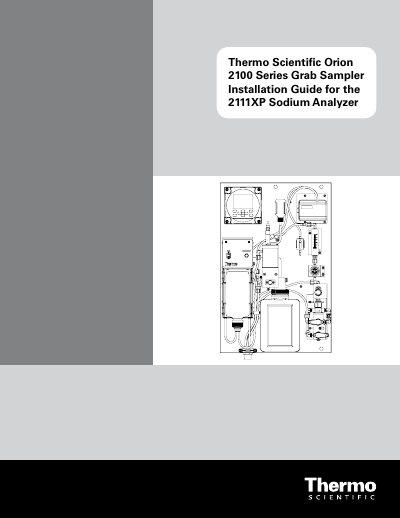

Thermo Scientific Orion 2100 Series 2111XP Sodium Analyzer Installation Guide - cover page
Brand
Thermo Scientific
Category
Other Electronics
Document type
Installation Guide
Language
English
Pages
19
File format
PDF
File size
1 MB
Published
07 November, 2023
Updated
07 November, 2023
MD5 checksum
C9A3C6E8A183C9035D90CA4401D50C25

About this manual

This document provides installation instructions for the Thermo Scientific Orion 2100 Series Grab Sampler specifically designed for the 2111XP Sodium Analyzer. It details the procedure for installing the grab sampler valve module, including disconnecting the process sample feed line and reassembling the regulator bracket. The guide also explains how to operate the air pump settings to facilitate sample substitution without disturbing process operations.

What's inside

  • Grab Sampler Installation
  • Air Pump Shutoff and Start-up
  • Required Tools
  • Grab Sampler Measurement
  • Returning to Process Sample
  • Servicing the Particulate Filter
  • Customer Services
  • Warranty
  • Ordering Information

Specifications

Flow Rate (Ammonia and DIPA)40 mL/minute
Flow Rate (Cation/High Acid)25 mL/minute

Frequently asked questions

What tools are required for installation?

Required tools include a Phillips head screwdriver, an adjustable wrench, and a tubing cutter.

How do I turn the air pump off?

Navigate to the TEST menu, select Air, toggle the setting to OFF, and press to accept.

Download PDF (1 MB)

More Thermo Scientific Manuals


View all Thermo Scientific manuals →