
Gryphon™ 2D Family General Purpose Handheld Area Imager Bar Code Reader Product Reference Guide.
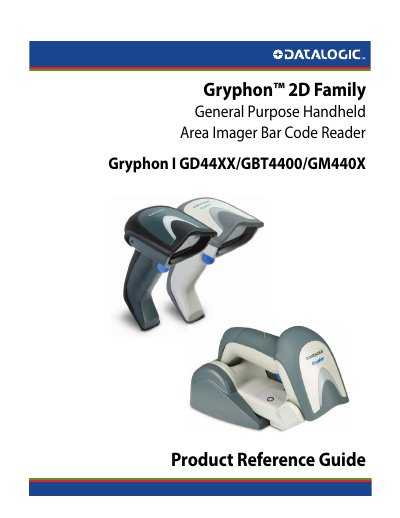
This Product Reference Guide covers the Gryphon 2D Family of general purpose handheld area imager bar code readers, specifically the Gryphon I GD44XX/GBT4400/GM440X models. It begins with an introduction to the reader and the BC40xx radio base, including the base LEDs, the base button and UV counterfeit detection, followed by battery safety notes and an explanation of the available configuration methods.
The setup section describes unpacking, setting up the reader, installing the interface cable, configuring and repositioning the base station, connecting the base (including when a security pin is enabled), and linking the reader to a base station or to a PC. Interface selection and global interface features are covered, and the main body of the guide consists of configuration using bar codes: RS-232, keyboard, USB-OEM, IBM 46XX and wand emulation settings, data formatting, reading parameters, LED and beeper indicators, scanning features, multiple label reading, and 1D and 2D symbology settings.
It covers the Gryphon I GD44XX, GBT4400 and GM440X readers in the Gryphon 2D Family of general purpose handheld area imager bar code readers.
Configuration is performed using bar codes, as described in the "Configuration Using Bar Codes" section covering configuration parameters.
The guide includes interface sections for RS-232, USB-OEM, IBM 46XX and wand emulation, along with keyboard settings.
Yes, it includes a "Replacing the Battery" section in the setup part of the guide.