
This product is a wireless headset with the following features: comfortable to wear, excellent sound quality and long battery life.
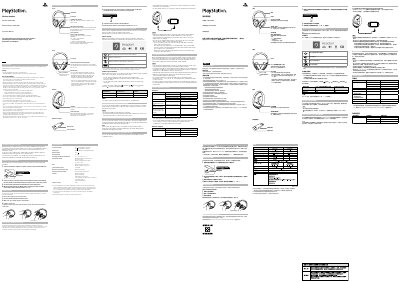
This instruction manual covers the Sony CUHYA-0080 wireless headset and CUHYA-0081 wireless adaptor. It starts with safety and handling precautions, then identifies the headset and adaptor parts, controls, ports, and status indicators.
The document explains charging, initial setup, and use with PlayStation 4 systems, computers, PlayStation VR, and portable devices. It also covers the Headset Companion app, resetting the headset, the rating label location, and end-of-life recycling.
| Headset model | CUHYA-0080 |
|---|---|
| Wireless adaptor model | CUHYA-0081 |
| Charging time | Approximately 3.5 hours |
| PlayStation 4 compatibility | PS4 system software version 5.00 or later |
| Battery type | Lithium-ion |
| Recommended charging temperature | 5 °C - 35 °C / 41 °F - 95 °F |
| Battery heat limit | Do not heat above 60 °C / 140 °F |
Charging takes approximately 3.5 hours when starting with no battery charge left.
Connect the wireless adaptor to a PS4 system or other powered USB port and insert a small pin into the reset button hole for at least one second. Then hold MUTE and VSS while sliding the power switch to position 1 or 2.
Yes. You can use it with a PC with Windows or macOS that has a USB port by inserting the wireless adaptor and turning on the headset.
The status indicator flashes red and a beep is heard.