
This guide describes the features and characteristics of the ABB-Welcome video kit. The kit includes a video outdoor station and a 4.3-inch video indoor station.
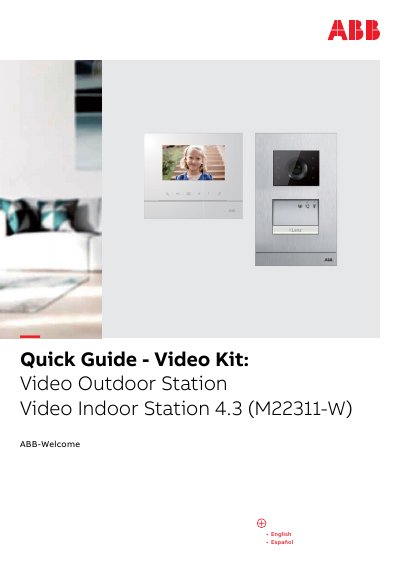
This quick guide covers the ABB-Welcome video kit, including the video outdoor station and the 4.3-inch video indoor station. It describes lock connection types, wiring distances, camera and audio module interfaces, indoor station controls, mounting dimensions, and basic operation.
The guide is bilingual in English and Spanish and includes service contact information for European Union and non-EU countries. It refers readers to the product manual for more detailed information.
| Indoor station display | 4.3 inch |
|---|---|
| Door opener floating output | 30 V AC/DC, 1 A |
| Door lock supply | 18 V, 4 A impulsive, 250 mA holding |
| Lock release time | 1-10 seconds |
| Camera video format | PAL/NTSC |
| Outdoor station address range | 1-9 |
Long press the unlock button for 10 seconds.
The floating output clamps are rated 30 V AC/DC at 1 A, and the lock clamps are rated 18 V at 4 A impulsive and 250 mA holding.
Use the station selector switch for the default outdoor station, the X10/X1 selector for tens and units digits, and the X200/X100 dip-switches for hundreds digits.
In video installations or mixed audio and video installations, set it to RC on on the last device of the line.