
The Logitech G735 Wireless Gaming Headset is a multi-platform headset that works with PC, PlayStation, Xbox, and Nintendo Switch. It features LIGHTSPEED wireless technology and Bluetooth connectivity for low-latency, high-fidelity audio on all devices. The headset also has an adjustable microphone, comfortable ear cups, and up to 12 hours of battery life.
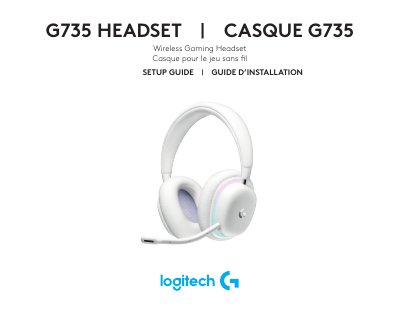
The Logitech G735 Wireless Gaming Headset setup guide explains how to insert the microphone, power on the headset, connect the LIGHTSPEED receiver to a PC USB port, and install G HUB software.
It also describes Bluetooth pairing, volume and mute controls, audio source mixing, powering off, battery status LEDs, and charging via USB-C.
| Initial battery charge | about 60% |
|---|---|
| Auto shutoff time | 10 minutes |
| Bluetooth pairing mode duration | up to 3 minutes |
Press and hold the power button on the left ear cup for 3 seconds.
Short press the power button on the left ear cup; the LED shows green, red, or blinking red depending on the charge level.
Plug the USB-C cable into the port on the left ear cup and connect the USB-A end to a PC or USB charging adapter.