
This manual provides basic operating instructions and precautions for Walkman NW-ZX706/NW-ZX707.
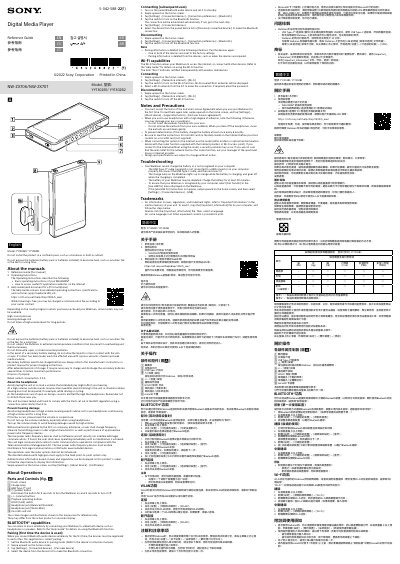
This Sony Reference Guide is for the NW-ZX706/NW-ZX707 Digital Media Player (Walkman). It describes the manuals included with the product, including the Operating Instructions and the online Help Guide, and provides safety information for batteries and headphones.
The guide covers parts and controls, Bluetooth pairing and connection, Wi-Fi connection, and troubleshooting steps for charging and computer recognition. It also includes trademark information and regulatory notices.
| Rated current consumption | 3.0 A |
|---|
Hold down the power button for 5 seconds to turn the Walkman on, and 2 seconds to turn it off.
Set the Bluetooth audio device to pairing mode, swipe upward on the home screen, tap Settings - Connected devices - Pair new device, then select the device from the list.
Swipe upward on the home screen, tap Settings - Network & internet - Wi-Fi, turn on Wi-Fi, and select a network from the list.
Reconnect the USB Type-C cable, charge the battery for at least 30 minutes if depleted, and select File Transfer in the Use USB menu so the computer recognizes the Walkman.