
This is a product installation manual that introduces the specific installation methods of the FW-50BZ30J/43BZ30J products
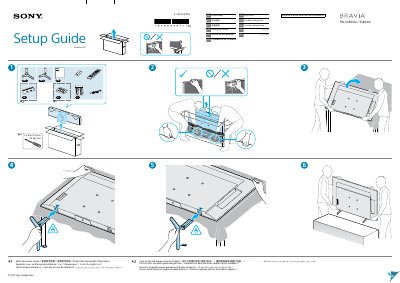
This is the multilingual Setup Guide (5-030-309-TIT) for the Sony BRAVIA FW-50BZ30J and FW-43BZ30J LCD displays. It covers the first setup steps: attaching the unit with wood screws, the screw torque and dimension markings, and where the cables connect.
The connection panel shown includes USB, HDMI IN, AV IN, VIDEO IN, DIGITAL AUDIO OUT, remote and RS-232C terminals and AC IN. The guide points readers to the Reference Guide and the Help function, and notes that some information applies only to limited regions, countries or models.
| Screw tightening torque | 15 Nm / 15 kgf·cm |
|---|
It covers the Sony BRAVIA FW-50BZ30J and FW-43BZ30J LCD displays.
The guide tells you to refer to the Reference Guide; some of its content applies only to limited regions, countries or models.
The guide marks the screws at 15 Nm / 15 kgf·cm.