
This is a quick start operation guide for DX8000 digital video recorder (DVR)
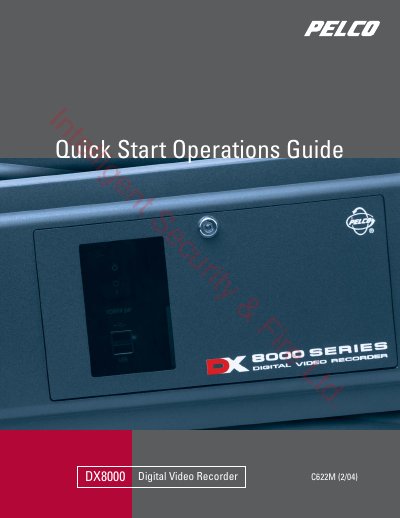
The Pelco DX8000 Series Quick Start Operations Guide (622M, 2/04) is a 12-page booklet for new users of the DX8000 Series digital video recorder. It gives basic, tutorial instructions on how to start the DVR, log in, view live and prerecorded video, and set up a simple recording schedule, and it points to the installation and operation manuals included with the unit for complete instructions.
The steps cover opening the front panel and pressing the power switch, choosing File > User Log-in and entering an Administrator or Power User name and password, selecting a screen division icon to show one to sixteen cameras at once and dragging cameras from the site tree onto view panels, and using the on-screen PTZ control panel for focus, zoom, and iris. A worked example creates schedule profiles for Camera 1 (continuous from 6:00 a.m. to 11:00 p.m., motion the rest of the day) and Camera 7 (alarm recording between 6:00 p.m. and 7:00 a.m.). The last pages contain Pelco product warranty and return information and worldwide contact addresses.
| Simultaneous camera display | One to sixteen cameras on a single screen |
|---|---|
| PTZ control functions | Focus, zoom, and iris |
| Warranty (DX Series DVR) | Eighteen months |
Open the front panel and press the power switch, wait for the unit to start, then click File > User Log-in and enter an Administrator or Power User name and password.
You can display anywhere from one to sixteen cameras simultaneously on a single screen by selecting a screen division icon from the toolbar.
Pelco provides an eighteen-month warranty on DX Series digital video recorders.