
This manual provides installation, connection, management, and configuration instructions for the Pelco Spectra C2277M professional series network dome camera.
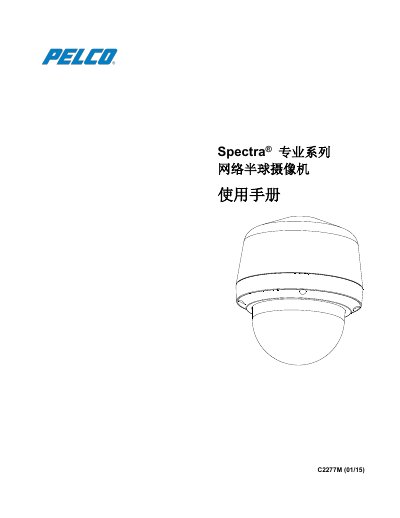
The document is a user manual for the Pelco Spectra C2277M PTZ (Pan-Tilt-Zoom) network dome camera. It covers product specifications, physical dimensions for various mounting types, and safety warnings regarding installation and operation.
The guide details step-by-step procedures for installing the camera, including checking appearance, disassembly, wiring, and mounting. It also explains how to connect the device to a computer and configure settings via menus for real-time display, system parameters, network configuration, image quality, user management, and event handling. This manual is written in Chinese.
| Product Series | Spectra Professional Series |
|---|---|
| Document Version | 01/15 |
For US and Canada, call 1-800-289-9100; for international calls, dial +1-559-292-1981.
Users should visit www.pelco.com/warranty for Pelco product warranty and related information.