
Installation guide for Pelco Value Series IR Environmental Varifocal Mini Dome Cameras covering hardware setup, network deployment, and troubleshooting.
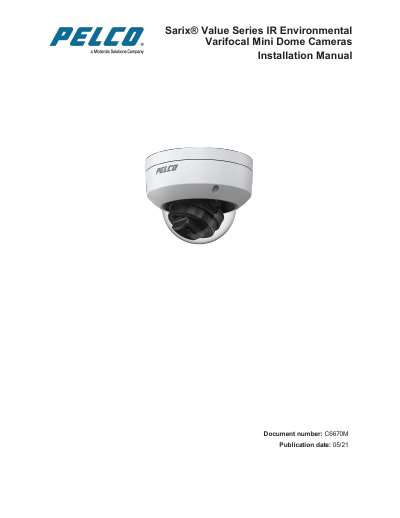
This manual provides instructions for installing the Pelco Value Series IR Environmental Varifocal Mini Dome Cameras. It covers hardware installation, including mounting the camera and installing a MicroSD card, as well as deploying the camera on a network using PoE or non-PoE switches. The document also details how to access the camera, configure passwords, and verify the installation.
| IP Rating | IP66 |
|---|---|
| Impact Rating | IK10 |
| Reset Button Type | Recessed |
| Default Admin Username | root |
| Default HTTP Port | 80 |
| Default RTSP Port | 554 |
The default username is 'root' with no password assigned initially.
Press the recessed reset button and wait for the camera to reboot.
No, there is no provision for recovering a forgotten administrator username or password.
The default HTTP port is 80 and the default RTSP port is 554.