
This manual provides installation, connection, and configuration instructions for the Pelco IBP series outdoor bullet cameras.
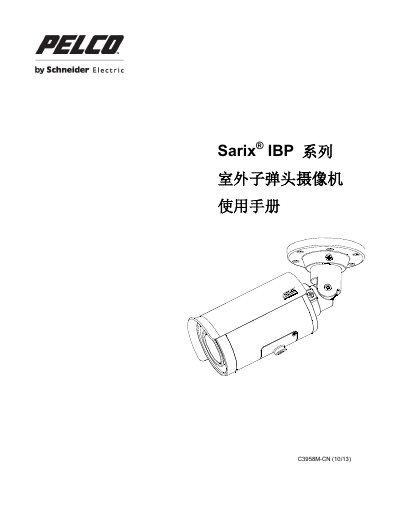
The document serves as a user guide for the Pelco IBP series of outdoor bullet cameras. It covers product specifications, physical dimensions, and interface descriptions including network and power connections.
Detailed procedures are provided for installing the camera on walls or ceilings, connecting wiring, and adjusting settings via the menu system. The manual also includes troubleshooting information and legal notices regarding audio usage. This manual is written in Chinese.
The camera can be powered by connecting a 24 VAC power source or by using a PoE-enabled network switch.
You must prepare a drill, a screwdriver, and wire cutters before beginning the installation.
The manual lists the default IP address under section 2.4.1.