
ELMO is a document camera that can be connected to a projector, computer, or other device to project paper documents, textbooks, maps, student work, and even three-dimensional objects onto a screen for teachers and students to use.
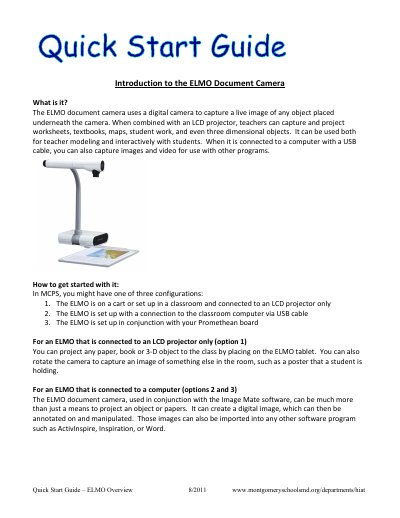
This one-page guide introduces the ELMO document camera and explains how it captures live images of objects, papers, books, and three-dimensional items. It describes three common classroom setups and how the camera can be used with an LCD projector, a computer via USB, Image Mate software, or a Promethean board.
It uses a digital camera to capture a live image of any object placed underneath the camera.
Any paper, book, or three-dimensional object placed on the ELMO tablet can be projected, and the camera can be rotated to capture something else in the room.
When connected with a USB cable, it can capture images and video for use with other programs.
The ELMO can create a digital image that can be annotated and manipulated, and those images can be imported into programs such as ActivInspire, Inspiration, or Word.