
《MP-350 QUICK START GUIDE》 describes the basic operation of the projector, including connecting to a computer, installing the projector, power on, detecting the input signal, adjusting the projected image and power off.
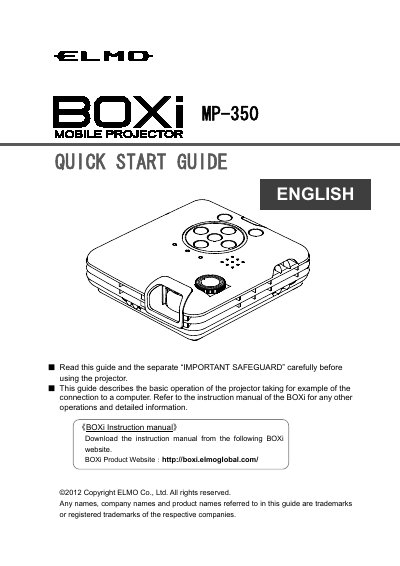
This document serves as a quick start guide for the ELMO MP-350 BOXi projector. It provides essential instructions for getting started, including checking package contents and preparing the remote control. The guide focuses on basic operations such as connecting the projector to a computer, powering it on, and detecting input signals.
| Aspect ratio | 16:10 |
|---|---|
| Projection distance (25 inch) | 48 cm |
| Projection distance (68 inch) | 133 cm |
The package includes the projector, AC adapter, power cord, remote control with battery, protective cover, warranty card, CD-ROM, and a quick start guide.
Remove the insulation sheet from the pre-installed battery before using the remote control for the first time.
Press the Power button on the projector or the remote control until the Power indicator turns green.
Use the focus dial to focus the image and use the Keystone +/- buttons on the remote control to correct distortions.