
This document is about the T-350 projector's instruction manual, which details the safety, cleaning, attachment, water and humidity, and placement precautions for the projector.
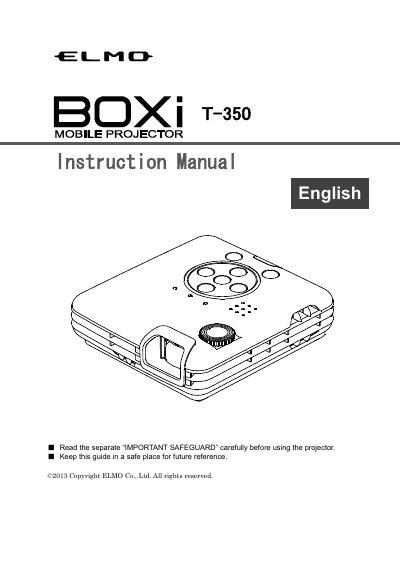
This document serves as the English instruction manual for the ELMO T-350 projector. It covers essential safety precautions, environmental requirements, and initial setup steps such as checking package contents and connecting power. The guide details the physical layout of the projector, control panel, and remote control functions.
The manual provides step-by-step instructions for basic operations, including turning the device on and off, adjusting focus and keystone distortion, and modifying display modes and brightness. It also explains how to connect external devices via HDMI and manage audio output.
The manual advises avoiding long-continuous use in excess of eight hours to prevent shortening the life of critical components.
You must use a HIGH SPEED HDMI cable that displays the HDMI logo.