
This manual introduces the Eaton i-on Compact Security System administration and use.
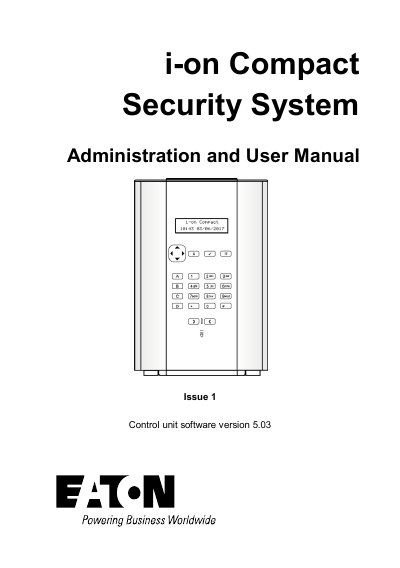
This manual explains how to operate and administer the i-on Compact security system as a user. It covers setting and unsetting the system, managing alarms, and using the user menu for tasks like omitting zones, adding users, and viewing logs. The control unit features an LCD display, keypad, and proximity tag reader for user interaction. The system supports full or part setting, and users can be assigned different types (master or normal) with varying access levels.
The manual also includes instructions for testing system components, configuring outputs, and using remote controls or SMS commands. Compliance with EN50131 standards is noted, and safety warnings are provided regarding mains voltages inside the unit.
It contains the processing unit, power supply and stand-by battery. The stand-by battery keeps the alarm system operational during a temporary power failure.
It can set in one of four ways: full set or one of three part sets (part set B, C or D).
It contains 4 or 6 digits, depending on how the installer has set up the system.
A normal user can set and unset the system, but has access to a limited number of user options. A normal user can omit zones, change their own access code, add their own proximity tag, view the log and operate outputs, but cannot add or delete users.