
This manual is for YASKAWA CC-Link drive option SI-C3, introduces the features and usage of this product.
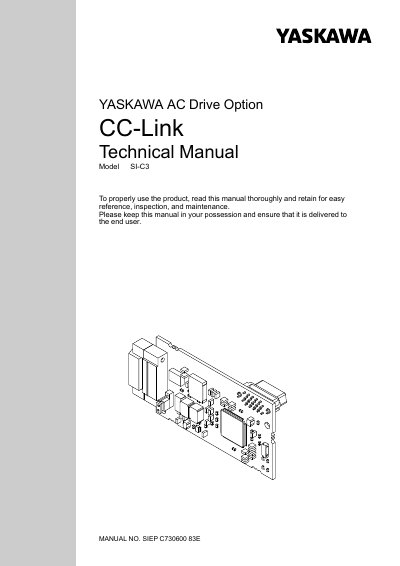
This document is the technical manual for the Yaskawa SI-C3 CC-Link option, designed to connect a drive to a field network using the CC-Link protocol (Ver. 1.10). It provides detailed instructions on installing the option onto compatible Yaskawa drives, specifically the GA500 series, as well as other models like A1000, D1000, U1000, Z1000, GA700, and GA800. The manual includes information on receiving the package, identifying components, and setting up the option.
| Protocol Version | CC-Link Ver. 1.10 |
|---|---|
| Grounding Method Switch | Available for ETC740051 and later |
The option is designed for connecting a drive to a field network using the CC-Link protocol.
Yes, an option card mounting kit (model JOHB-GA50) is necessary to install the option on a GA500 drive.