
This manual describes how to configure and diagnose MSR42, GuardShield Micro 400 and Safe 2/Safe 4 light curtains
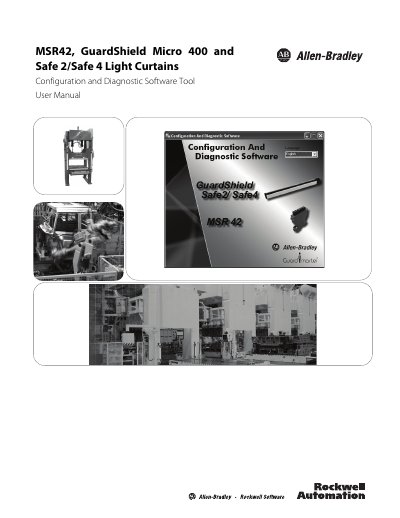
This user manual describes the Configuration and Diagnostic Software from Rockwell Automation, which is used to configure and diagnose the Safety Relay MSR42 and the GuardShield Micro 400, Safe 2 and Safe 4 safety light curtains. Configuration is graphical and needs no programming knowledge: functions such as start mode (automatic or manual), stop delay, EDM and Safety Override are chosen in the tool, and diagnosis is carried out together with the Optical Interface.
The manual covers installation of the software and of the USB driver for the Optical Interface, the supported operating systems (Windows 2000, Windows XP SP1/SP2 and Windows Vista), the MSR42 Configuration Tool with its Design, Diagnosis and Application info tabs, download, verify and upload with configuration protection, muting and blanking functions, and the Safety Distance Calculator for Safe 2/Safe 4. A Frequently Asked Questions appendix is included. Configuring an MSR42 requires a password and an Optical Interface and may only be performed by authorized personnel.
| Supported operating systems | Windows 2000, Windows XP SP1/SP2, Windows Vista |
|---|---|
| Setup file | SetupDiagnosticAndConfiguration_V130.exe |
| Optical Interface catalog number | 445L-AF6150 |
| Calculation basis | DIN EN ISO 13855 (2010) and EN 61496-2 |
| Software availability | Delivered with every Optical Interface; free download at www.ab.com |
It is used to configure and diagnose the Safety Relay MSR42 and the Safety Light Curtains Micro 400, Safe 2 and Safe 4.
The software works on Windows 2000, Windows XP SP1/SP2 and Windows Vista.
Configuration may only be performed by authorized personnel, and a password and an Optical Interface are necessary to configure a unit.
Every calculation is based on DIN EN ISO 13855 (2010) and EN 61496-2.