
This manual introduces the basic usage of PLANET devices, including connection, configuration, management and maintenance.
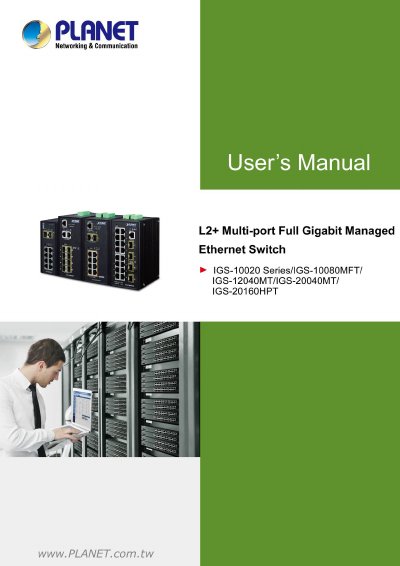
This manual is for the PLANET industrial L2+ multi-port full gigabit managed Ethernet switch models listed on the cover, including the IGS-10020 Series, IGS-10080MFT, IGS-12040MT, IGS-20040MT, and IGS-20160HPT. It describes the product, installation steps, hardware, cabling, and management access methods.
The document also covers web-based configuration, system settings, SNMP, firmware upgrades, and configuration management for the switches.
| Standby mode operation | Not supported |
|---|
It covers the IGS-10020 Series, IGS-10080MFT, IGS-12040MT, IGS-20040MT, and IGS-20160HPT.
The manual describes CLI mode management, web management, SNMP-based network management, and the PLANET Smart Discovery Utility.
The manual is revision 1.4 (Aug., 2016) with part number EM-IGS-Series_v1.4.