
ICP DAS ZT-2000 Topology Tool User Guide

This document introduces the basic usage of the ZT-2000 Topology Tool
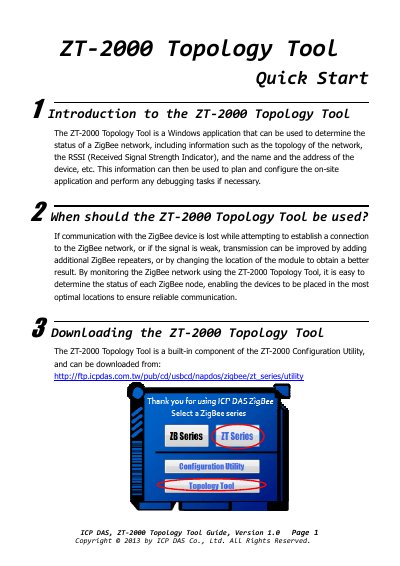

ICP DAS ZT-2000 Topology Tool User Guide - cover page
Brand
icpdas
Category
Other Electronics
Document type
User Manual
Language
English
Pages
12
File format
PDF
File size
1.4 MB
Published
31 October, 2023
Updated
31 October, 2023
Model
ZT-2000
MD5 checksum
38F7ACDAB49461AF15AEC909FFED0E0D

About this manual

The ICP DAS ZT-2000 Topology Tool is a Windows application designed to determine the status of a ZigBee network. It provides information such as network topology, Received Signal Strength Indicator (RSSI), device names, and addresses. This data assists users in planning, configuring, and debugging on-site applications, particularly when communication issues arise or signal strength is weak.

What's inside

  • Introduction
  • Downloading the Tool
  • Starting the Tool
  • Connecting to the Converter
  • Locating ZT-2000 Devices
  • Manually Adding a Device
  • Automatic Searching
  • Save/Load Project Setup
  • Clear and Load User Maps
  • Scan the ZigBee Network

Frequently asked questions

What information does the ZT-2000 Topology Tool provide?

The tool provides information such as the topology of the network, the RSSI (Received Signal Strength Indicator), and the name and address of the device.

How can the ZT-2000 Topology Tool be downloaded?

It is a built-in component of the ZT-2000 Configuration Utility and can be downloaded from the ICP DAS FTP site.

What are the three methods to detect ZT-2000 Devices?

The three methods are 'Manually Add', 'Auto Search', and 'Save/Load Project Setup'.

Download PDF (1.4 MB)

More icpdas Manuals


View all icpdas manuals →