
Toshiba Laptop User Manual for Safety and Comfort

This is a user manual that introduces how to use Toshiba laptops safely and comfortably.
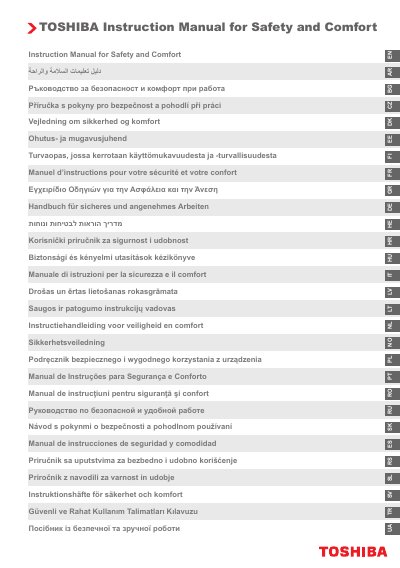

Toshiba Laptop User Manual for Safety and Comfort - cover page
Brand
Toshiba
Category
Laptops
Document type
User Manual
Language
English
Pages
943
File format
PDF
File size
4.5 MB
Published
31 October, 2023
Updated
31 October, 2023
MD5 checksum
69FB80F63BD09EE58DEB1C10F03BD3EC

About this manual

This manual provides safety and comfort guidelines for Toshiba laptop users. It covers safe handling of batteries, power usage, and disposal procedures to prevent injury or damage. It also includes recommendations for ergonomic use and troubleshooting tips for common issues.

The manual is multilingual, with sections in multiple languages including English, French, German, Spanish, and others. It emphasizes the importance of following safety instructions to avoid hazards and includes warnings for potential risks such as fire, explosion, or injury.

What's inside

  • Introduction
  • Safe Use of Product, Components and Accessories
  • Power
  • Communication
  • Main Unit
  • Systems/Peripherals
  • Computer User Comfort Recommendations
  • Good Working Posture
  • Viewing Recommendations
  • Using the product with an external keyboard, mouse or monitor

Frequently asked questions

What must be done immediately if a battery shows signs like smoke or excessive heat?

You must immediately turn the power off, disconnect the power cable from the plug socket, and stop using the battery.

What specific action is required when disposing of a used battery to prevent short circuits?

You must put insulating tape, such as cellophane tape, on the electrode during transportation.

What should you do if your product emits smoke or unusual odor after being dropped?

Immediately unplug the AC adaptor if it is connected and shut off your product.

Download PDF (4.5 MB)

More Toshiba Manuals


View all Toshiba manuals →