
This is a quick reference guide that introduces the features and operation of the Datalogic PowerScan™ M8500 handheld scanner.
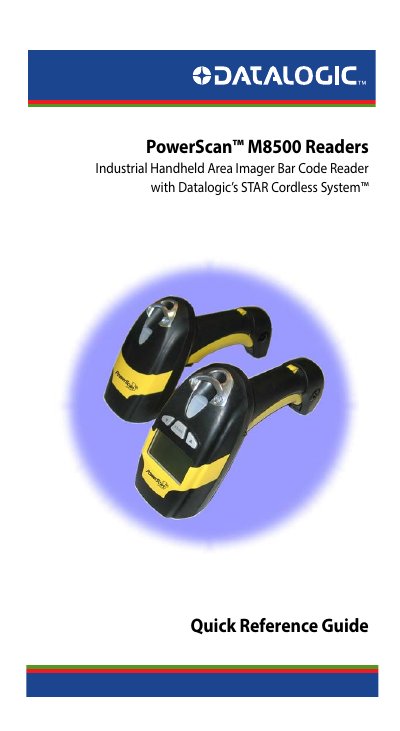
The PowerScan M8500 series readers work with a BC-80X0 cradle or Stargate radio base station to build a cordless reading system for the collection, decoding and transmission of bar coded data. The series can be used in the same environment where M8300 series readers are already installed.
This Quick Reference Guide covers the commands needed for scanner startup and interface setting. It also describes the PM8500 reader, indicators, charging the batteries, setup, point-to-point and stand-alone configuration, default configuration, operating test, technical features, warranty and compliance. Full configuration is available in the PowerScan PM8500 Reference Manual or Datalogic Aladdin.
| Reader Type | Industrial handheld area imager bar code reader |
|---|---|
| Cradle/Base Station Compatibility | BC-80X0 cradle or Stargate™ radio base station |
| Supported Symbologies | 1D linear, 2D stacked (PDF417), 2D matrix (DataMatrix), postal codes (POSTNET, PLANET) |
| Code Concatenation | Up to 4 different codes |
| Cradle Firmware Compatibility | BC80x0 v3.0.0.00 and later releases |
| Operating Environment | Commercial and industrial environments, as well as the front office |
It can be used with either a BC-80X0 cradle or Stargate radio base station to build a cordless reading system.
The battery is completely charged when the "Reader" LED on the cradle/battery charger turns green.
Successful reading is signaled by an audible tone plus a good-read green LED, and a green good read spot is projected in the field of view.
No. The PowerScan PM8500 is an omni-directional reader, so the orientation of the symbol is not important.