
This is a basic operation manual for Brother MFC-J6910DW printer, including printing, copying, scanning, Image Capture Center™, consumables replacement and troubleshooting
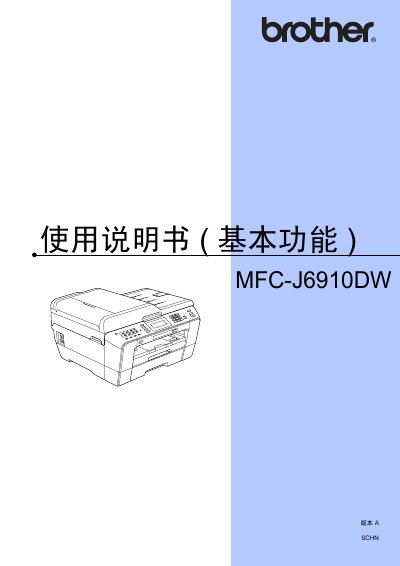
This is the basic operation manual for the Brother MFC-J6910DW multifunction printer. It explains how to use the device for fax, copy, scan, and image capture center functions, and includes guidance on replacing consumables and troubleshooting.
Topics include general information, loading paper and originals, sending and receiving faxes, telephone and external device connections, dialing and storing numbers, copying, printing from media cards or USB storage, printing from a computer, scanning to a computer, routine maintenance, menus and features, and specifications. This manual is written in Chinese.
It covers basic operations for fax, copy, scan, and image capture center, consumable replacement, and troubleshooting tips.
The manual includes sections for obtaining Brother technical support on Windows and Macintosh.
Users can visit http://www.brother-cn.net/.