
This manual describes the Modbus TCP/IP communication function of the YASKAWA 1000 Series Servo Drive
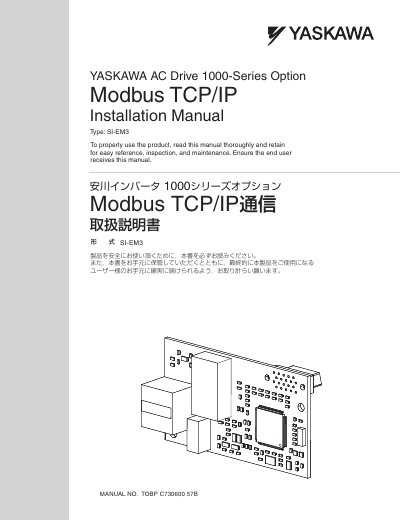
This manual provides step-by-step instructions for installing the SI-EM3 Modbus TCP/IP option on Yaskawa AC Drives. It covers receiving, component identification, installation procedures, and related drive parameters. Safety warnings and precautions are included to ensure proper handling and operation.
The SI-EM3 enables communication between the drive and a Modbus TCP/IP network, allowing remote operation, status monitoring, and parameter adjustments. It is compatible with specific A1000 and Z1000 drive models and requires tools like a Phillips screwdriver for installation.
This option provides a communications connection between the drive and a Modbus TCP/IP network to facilitate data exchange.
The DANGER message indicates a hazardous situation which, if not avoided, will result in death or serious injury.