
This user manual provides instructions for operating, configuring, and troubleshooting the Polycom VoiceStation 500 analog telephone system.
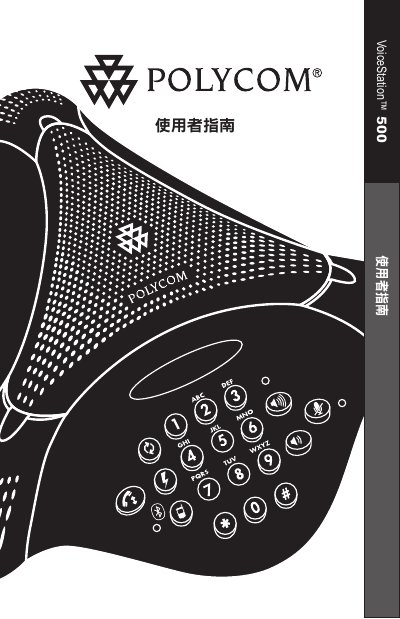
The document serves as a comprehensive guide for the Polycom VoiceStation 500, covering basic operations such as powering on/off, dialing, and using features like hold, transfer, and conference. It details how to navigate the device's keypad and function buttons to manage calls effectively.
Additionally, the manual explains setup procedures including connecting POTS lines, fax machines, and computers via data ports. It also covers mode operations for different scenarios (e.g., voice-only vs. voice/fax) and provides troubleshooting steps for common issues.
The document identifies the product as the VoiceStation™ 500.
You press and hold the On/Off button for two seconds to power it up or shut it down.