
The Polycom CX200 desktop phone user guide provides installation, configuration, basic operation, and troubleshooting instructions.
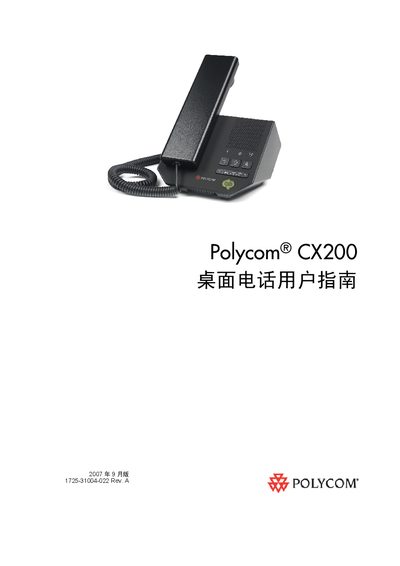
This guide covers everything you need to set up and use the Polycom CX200 desktop phone, including a parts list, assembly steps, and how to connect the handset, optional headset, and USB cable to a computer. It also explains the phone’s functions such as LED status indicators, mute, volume control, call hold, transfer, and voicemail.
The manual includes safety information, environmental specifications, compliance markings (FCC Part 15 Class B, CE), and a troubleshooting section for power, audio, and software issues. It references Microsoft Office Communicator 2007 as the required client software and lists supported operating systems (Windows XP SP2 or Windows Vista). This manual is written in Chinese.
| Operating temperature | +41°F (+5°C) to +95°F (+35°C) |
|---|---|
| USB connection | USB 1.1 or 2.0 port |
Connect the USB cable that is attached to the phone’s base to a USB 1.1 or USB 2.0 port on your computer.
Check the parts list in the guide; if any component is missing, contact your system administrator.