
This is the user manual for the Polycom 42" LCD/LED display, covering safety, setup, connections, menu navigation, and specifications.
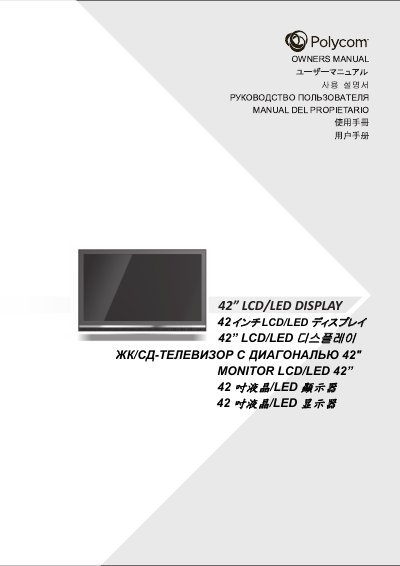
This manual provides instructions for the Polycom 42" LCD/LED display, including safety warnings, installation guidance, and operation procedures. It details how to connect various devices such as Polycom video conferencing systems, VCRs, DVD players, and computers via HDMI, RGB, and composite inputs. The guide also explains how to use the front panel controls and the On-Screen Display (OSD) menu for adjusting settings like picture, sound, and system configurations. This manual is written in Japanese.
The device can only operate within a temperature range of 0°C to 40°C.
For 120 volts, you must use a detachable power cord with an NEMA 5-15P plug.
You must use a wall-mounting bracket rated to support at least 33.4 kg.