
This user manual provides instructions for operating the Polycom VoiceStation 300 telephone system, including features, setup, and usage.
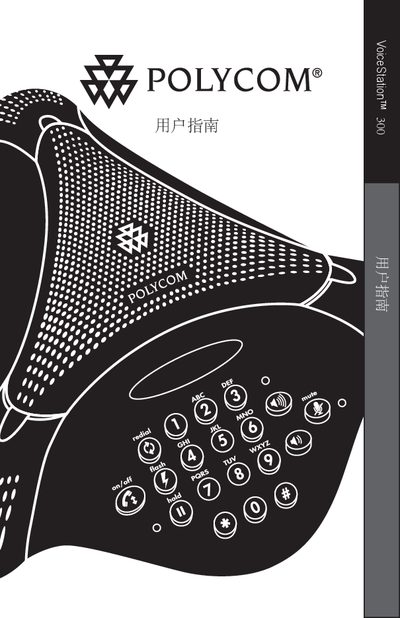
This document is the user manual for the Polycom VoiceStation 300, a telephone system designed for office environments. It covers the device's features, such as acoustic clarity and speakerphone capabilities, and provides step-by-step instructions for basic operations like dialing, muting, and transferring calls.
The VoiceStation 300 is a Polycom telephone designed for use with a Polycom IP phone system.
To place a call on hold, press the Hold (FRR) button.
The On/Off button turns the VoiceStation 300 power on or off.