
This document is a quick reference guide for Honeywell BW™ Icon and BW™ Icon+ portable multiple gas detectors
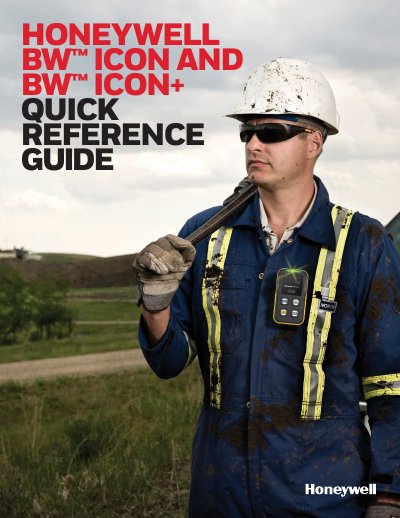
This document serves as a quick reference guide for the Honeywell BW™ Icon and BW™ Icon+ portable multiple gas detectors. It details the contents of the box, user interface indicators, and common device operations such as powering on/off and navigating menus via button presses. The guide explains how to use the IntelliFlash display and LED alarms to monitor hazardous gases at user-defined setpoints.
| Maximum Gas Monitors | up to four gases |
|---|---|
| IP Rating | IP66, IP68 |
| Temperature Range | -40°C to 60°C |
Hold the button for 4 seconds to power on the device.
Double-press the button to enter the menu for search mode.
Hold the button press for 3 seconds to initiate the pairing mode.