
This manual explains how to install, operate and maintain the PA690 Rugged Mobile Computer.
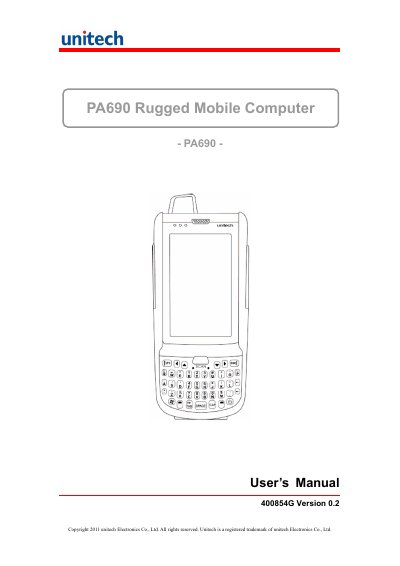
This manual provides instructions for installing, operating, and maintaining the Unitech PA690 Rugged Mobile Computer. It includes sections on hardware use, connectivity options like Wi-Fi and Bluetooth, battery management, and regulatory compliance. The device features a lithium-ion battery and optional barcode scanner, with detailed guidance on charging, storage, and warranty conditions.
Safety and compliance information is included, such as FCC, RoHS, and laser safety warnings. The manual also covers initial setup, including turning on the device, installing the battery, and using function keys and alpha keys for operation.
It is used for installing, operating, and maintaining the device.
The PA690 has a 1-year limited warranty.
Recharge the unit for 12 hours to fully charge both batteries.