
This manual provides detailed instructions on how to install, operate, and maintain the PA600 Phone Edition. Reproduction or use of any part of this publication in any form or by any electrical or mechanical means, including electronic or mechanical means such as photocopying, recording, or information storage and retrieval systems, without written permission from the manufacturer is prohibited. The material in this manual is subject to change without notice.
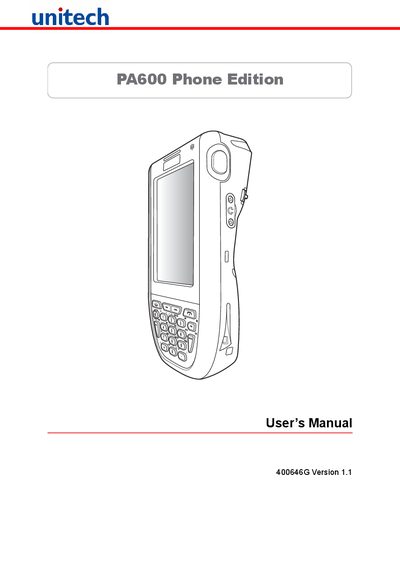
This manual explains how to install, operate and maintain the PA600 Phone Edition, covering hardware setup, battery charging, connectivity options, and safety notices. It includes regulatory compliance statements, laser safety warnings, and warranty information.
Key sections describe battery handling, charging temperature limits, clean‑boot procedures, and detailed system specifications such as CPU, memory, display, and communications interfaces.
| CPU | Intel PXA270 624 MHz |
|---|---|
| Memory (SDRAM) | 128 MB |
| Flash ROM | 320 MB |
| Operating System | Windows Mobile 5.0 |
| Display | 240 × 320 QVGA Color Transflective TFT |
| Main Battery | 3.7 V 2200 mAh Li‑ion |
| Backup Battery | Rechargeable Ni‑MH |
| Connectivity | USB Host & Client, 802.11b/g Wi‑Fi, Bluetooth 2.0 + EDR, eGPRS |
| Environmental Sealing | IP64 |
| Dimensions | 149.5 mm × 26.6 mm × 85 mm |
Recharge the unit for 16 hours to fully charge both the main and backup batteries.