
This manual provides installation, operation, and maintenance instructions for the Unitech TB100 Rugged Business Tablet, including safety guidelines and…
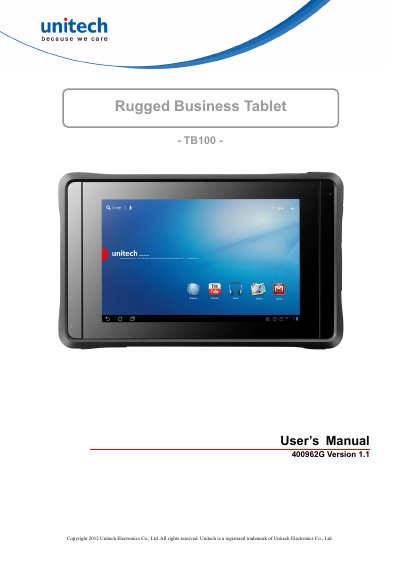
This document serves as the official user's manual for the Unitech TB100 Rugged Business Tablet. It covers essential topics such as safety and maintenance guidelines, regulatory compliance statements (FCC, IC, RoHS), and initial setup procedures. The guide explains how to install, operate, and maintain the device to ensure long-term performance and safety.
| Input Voltage | AC 100V–240V |
|---|---|
| Output Voltage | DC 12V, 2A |
| Product Warranty | 1-year limited warranty |
| Battery Warranty | 6-month limited warranty |
Charging is most efficient at normal room temperature or in a slightly cooler environment, specifically between 0°C to 40°C.
Human proximity to the antenna shall not be less than 20 cm (8 inches) during normal operation.