
MS83X scanner supports keyboard port, USB port, RS232, pen simulation mode. It supports Code 39standard and Full ASCⅡ, Codabar, UPC/EAN with supplement codes, UCC/EAN 128, Interleaved 2 of 5, Code 32(Italian pharmacy), Standard 2 of 5, Code 93, MSI code, Code 128, Plessey code, Label code Ⅳand Ⅴ, China postal code (Toshiba code) barcode types.
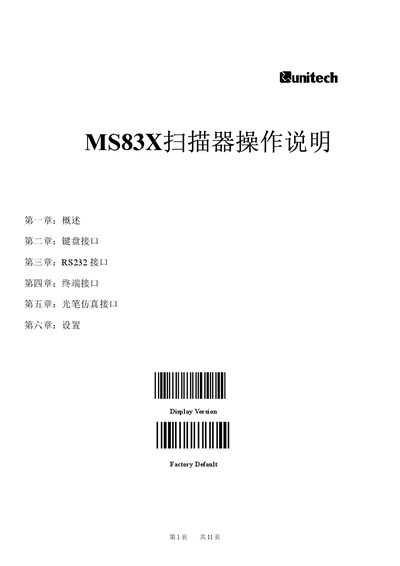
This manual provides a complete overview of the Unitech MS83X scanner, covering its supported interfaces (keyboard, USB, RS232, light‑pen emulation) and basic operation. It describes how to install the device on PCs, terminals, Macintosh systems and laptops, and how to configure communication parameters.
Detailed sections guide users through interface wiring, RS232 and terminal settings, barcode type selection, prefix/suffix configuration, and advanced function groups such as code length limits and fast‑setup batch programming. This manual is written in Chinese.
| Supported interfaces | Keyboard, USB, RS232, Light‑pen emulation |
|---|---|
| Default interface mode | Keyboard (键盘口) |
| RS232 baud‑rate range | 300 bps – 38 400 bps |
| Power requirement for RS232 mode | 5 V DC, 300 mA |
| Supported barcode symbologies | Code 39, Codabar, UPC/EAN, UPC/EAN‑128, Interleaved 2‑of‑5, Code 32, Standard 2‑of‑5, Code 93, MSI, Code 128, Plessey, Label IV/V, China Postal (Toshiba) |
| Configurable Code 39 length | Min 5 characters, Max 20 characters |
| Prefix / suffix settings | Prefix STX, Suffix ETX |
The scanner supports baud rates from 300 bps up to 38 400 bps.
The RS232 connection must provide 5 V DC at 300 mA to power the scanner.