
This is a handheld barcode reader product manual
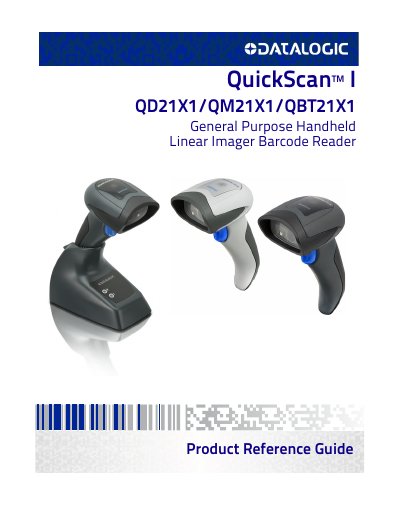
This document is a product reference guide for the Datalogic QuickScan I series of handheld barcode readers. It provides detailed instructions for setup, interface configuration, and barcode symbology settings. The guide covers both hardware and software aspects, including base station connections, battery management, and programming using barcodes. It also includes technical specifications and support information for troubleshooting and updates.
The manual is structured with sections on introduction, setup, interfaces, and configuration using barcodes, with subsections for each symbology type supported by the device, such as UPC-A, EAN-13, Code 39, and GS1 DataBar. It includes configuration parameters for global settings, reading behavior, and output formatting.
Connect the reader to the base station using the provided cable and follow the steps for locking the reader to the base and configuring the system layout.
The reader supports USB, RS-232, and USB-OEM interfaces with configurable settings for baud rate, data bits, stop bits, parity, and handshaking control.
The reader supports a wide range of symbologies including UPC-A, EAN-13, Code 39, Code 128, GS1 DataBar, and others with configurable settings for each.
Use programming barcodes to set parameters such as interface type, data format, global prefix/suffix, and symbology-specific settings.